
Gain a Revenue Advantage
Conga accelerates the end-to-end revenue lifecycle for the world’s growth champions
We work with amazing companies


Creators of Revenue Lifecycle Management (RLM), Conga helps companies grow, protect, and expand their revenue—today and tomorrow.
The world’s growth champions trust Conga
More than 10,000 companies and 6.4 million users around the world use Conga to gain a Revenue Advantage. Our open RLM platform helps them grow faster and more efficiently and improve their customer experience.

On
Goodbye friction. Hello Revenue Advantage
Isolated tech, fragmented data, and siloed problem-solving traps companies in the Revenue Friction Zone. With a unified revenue data model, Conga helps teams answer their most complicated revenue questions.
Gain a Sales Advantage
Where is your forecast at risk? Which accounts are best suited for cross-sell or up-sell? Are you maximizing price increases with current contracts?
Gain a Finance Advantage
Which products and segments are most profitable? Where do you have renewal risk? Where should you invest or pull back on capital allocations?
Gain a Legal Advantage
What risks do you have across your contracts? How do you achieve compliance without slowing down sales? What’s the financial value of your risk?
Gain an IT Advantage
Is your data governed, secure, and AI-ready? How do you get out of integration purgatory and lower costs? How do you reduce your backlog?
Improve Revenue
with Conga

On
Conga’s open RLM platform
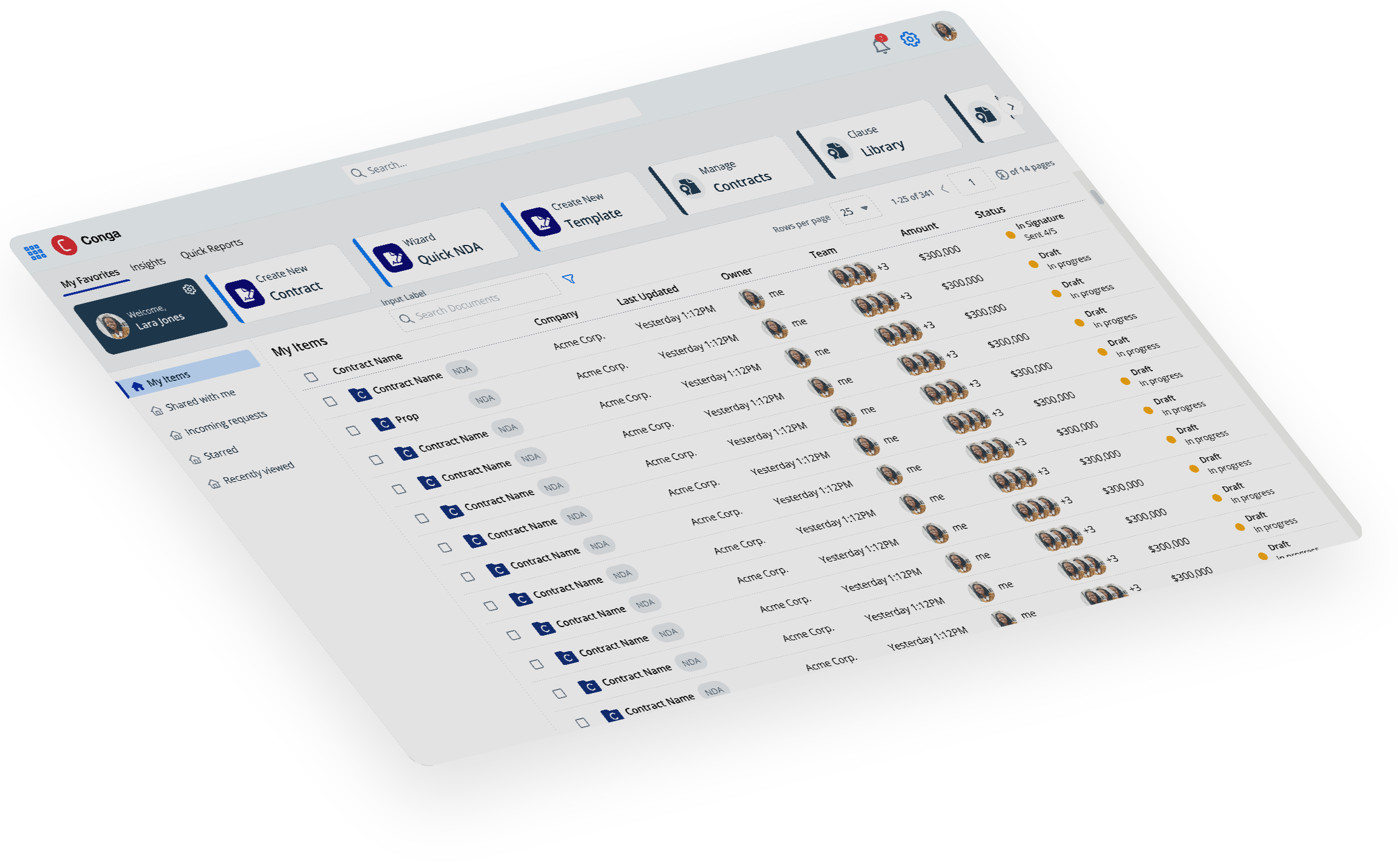
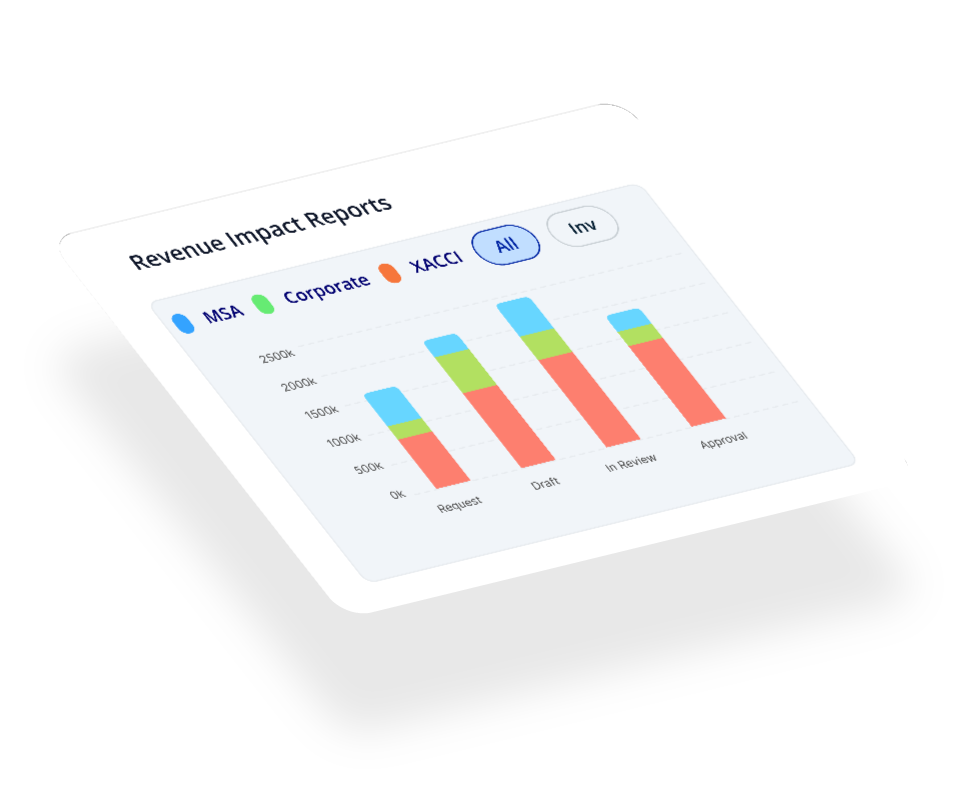
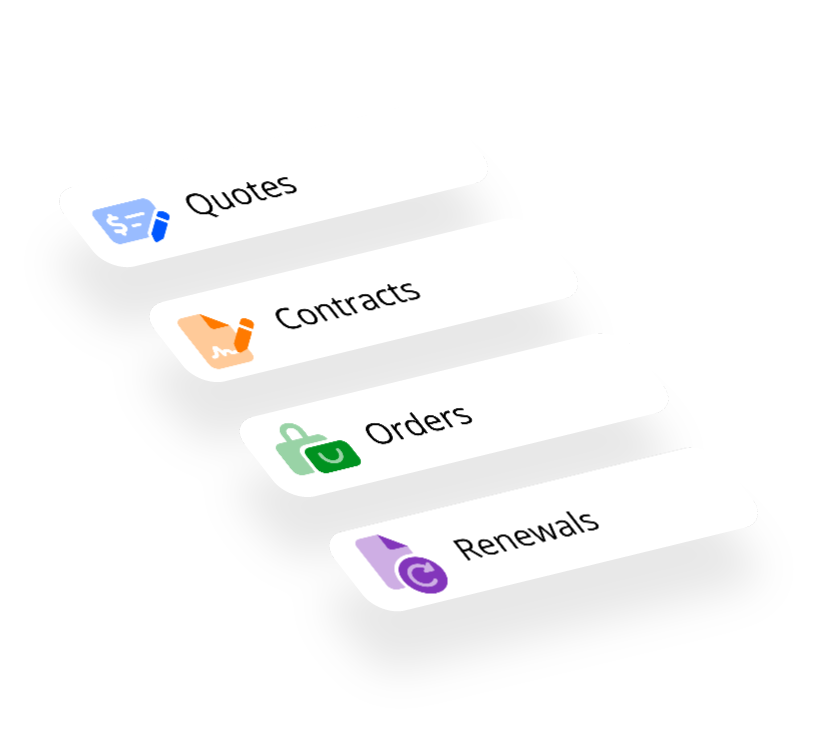
Configure, Price, Quote; Contract Lifecycle Management; and Document Automation together on a single open platform. Powered by a unified revenue data model, complete revenue intelligence, and purpose-built AI to help answer your most complex revenue questions.
See what our customers are saying
Product Reviews by Product
Terrific software, efficient, versatile
"Less manual tasks. Superb automation...with help of this tool all process are automated. Great features."
A
Anonymous
Want to save time? Use Conga!
"In 10 years of experience using this product I see the benefit of it in our business and I will definitely recommend it to my colleagues."
NY
Nancy Yana, Corporate Accountant, Salesforce
Willingness to help and lend support is always available
"Always available and willing to show up new functionality and aid in support resolution."
SM
Sr. Manager Legal Applications
Excellent product & customer service. Love it!
"Exciting roadmap! Ease of use, very scalable, faster time to market and excellent customer support."
ME
Manager, Enterprise Applications
See how it works
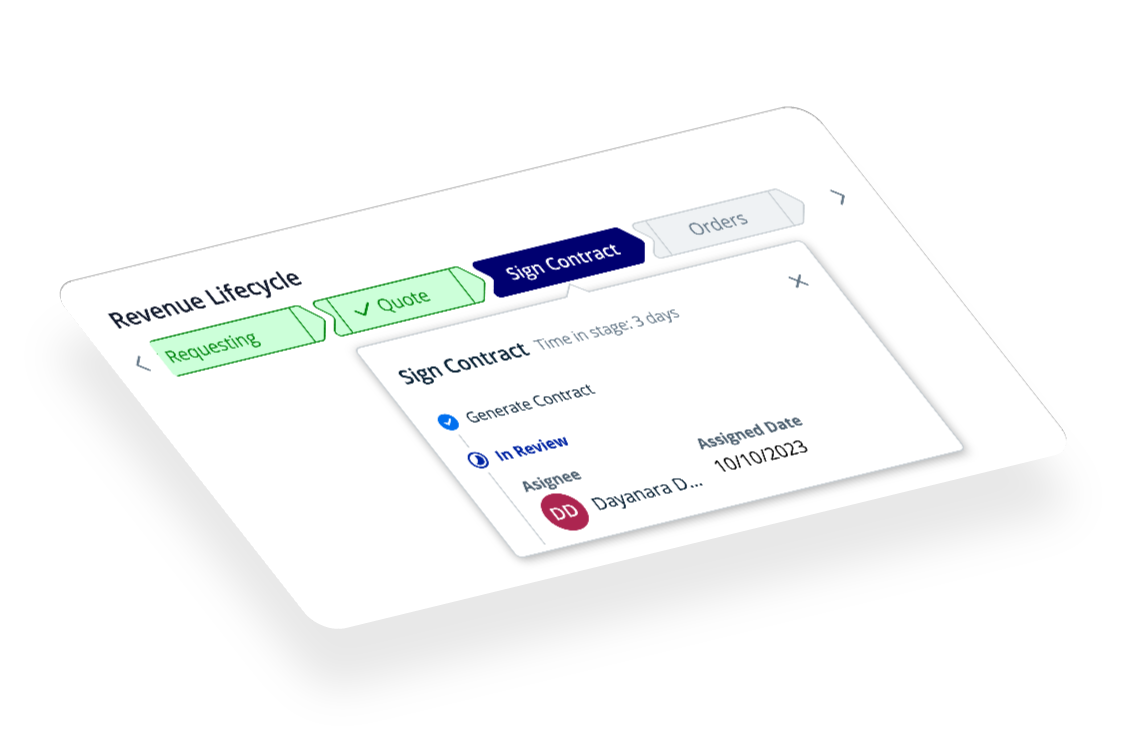
End-to-end process integration and complete revenue intelligence across the revenue lifecycle. Conga is the only open revenue management platform built for the top line.